
UnCloud
Free, Privacy-First Tools
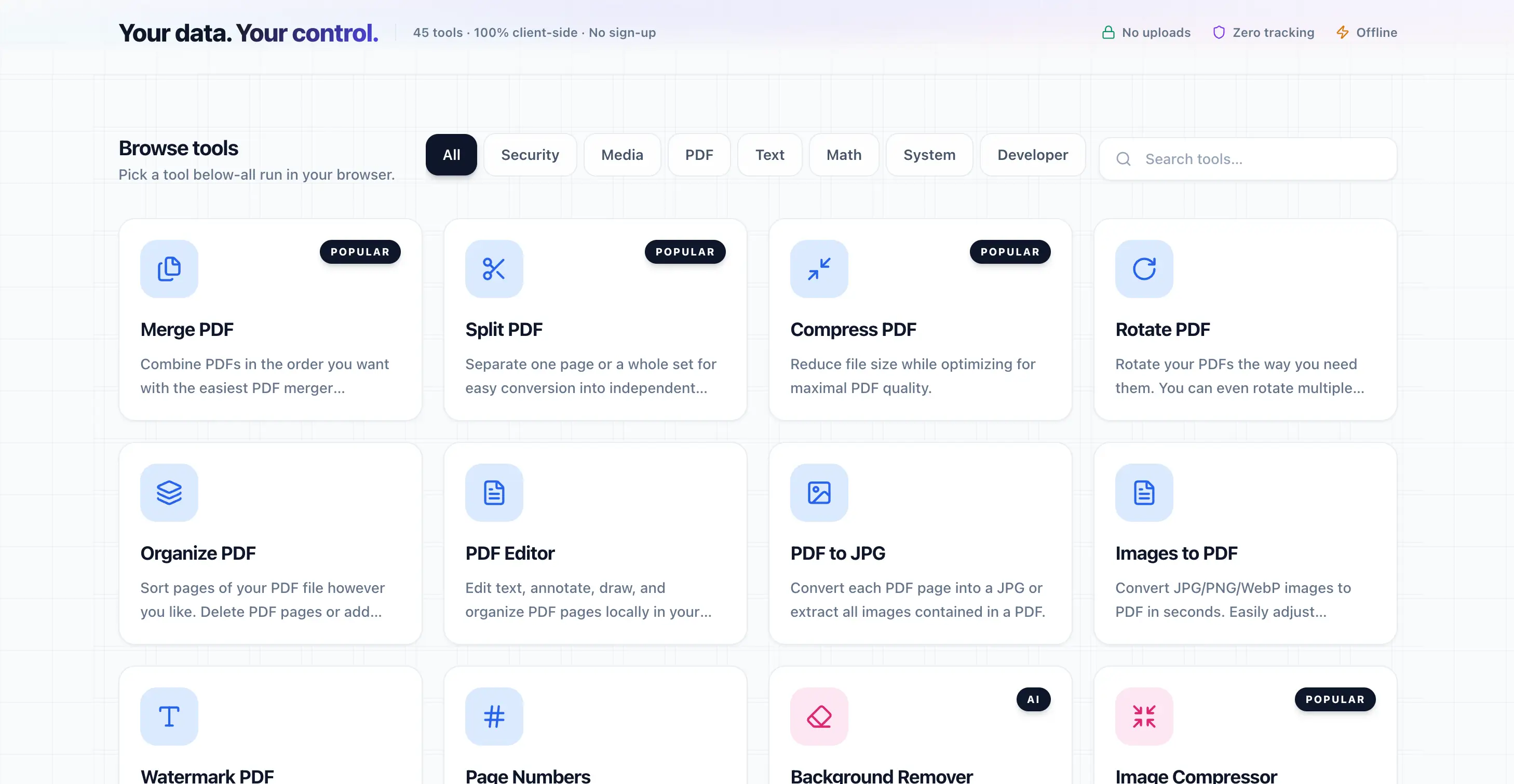
Your data. Your control. 45+ tools that run 100% in your browser—no uploads, zero tracking, no sign-up. Privacy-first, client-side only.
Advanced Document Solutions
Cutting-edge features for seamless document processing, recognition, and transformation with accuracy and speed.
PDF Tools
Merge, split, compress, rotate, and edit PDFs locally. Convert to and from images, add watermarks or page numbers—all in your browser. Your files never leave your device.
Image & Media Tools
Compress, convert, crop, resize, and remove backgrounds with local AI. Image converter, EXIF viewer, and QR generator—all client-side and private.
Privacy & Security Tools
Secure notes with AES-256 encryption, password generator, and file checksums. Build habits that keep your data under your control.
Text, Data & Developer Tools
CSV/JSON editors, Markdown editor, Base64, URL tools, text diff, and more. Format, validate, and convert—all without sending data to any server.
How UnCloud Works
Transform your documents in just a few simple steps with our intelligent processing system.
Pick a Tool
Browse 45+ tools across PDF, image, text, security, and developer categories. Everything runs in your browser.
Use It in Your Browser
Open a tool, add your files or input. All processing happens locally—no uploads to our servers.
Your Data Stays Local
Zero tracking, zero telemetry, zero storage of your data. Download results or copy output—your data never leaves your device.
Use Cases
UnCloud is designed for organizations that require enterprise-grade solutions with uncompromising security and scalability. Whether you're a government agency, educational institution, or large corporation, our platform adapts to your unique requirements.
The platform has been successfully deployed across multiple countries, handling millions of transactions daily while maintaining the highest standards of data protection and system reliability.
Tailored Solutions for Every Industry
UnCloud adapts to the specific document needs of various industries, with specialized workflows and compliance features.
Privacy-Conscious Users
Anyone who wants to edit PDFs, images, or text without sending files to the cloud. Your data stays in your tab.
Developers & Technical Teams
JSON viewer, Base64, URL tools, checksums, and more. No sign-up, no API keys—just open and use.
Small Business & Freelancers
Professional PDF and image tools without subscriptions or uploads. Use offline when you need to.
Education & Personal Use
Convert files, compress images, generate passwords—all free and private. Great for students and everyday use.
Technical Specifications
Privacy
Zero telemetry
Processing
Client-side only
Data
Never leaves your device
What Our Customers Say
“Privacy tooling that feels like product design - not punishment. Everything runs 100% in your browser, so sensitive data never has to leave your machine.”
UnCloud
Local-first privacy toolkit
Frequently Asked Questions
Find answers to common questions. If you can't find what you need, reach out to our support team.
Is UnCloud really free?
Yes. UnCloud is completely free. All 45+ tools are available at no cost with no hidden fees or premium tiers.
Does UnCloud upload my files to a server?
No. All processing happens 100% in your browser. Your files never leave your device, ensuring complete privacy and security.
What file formats does UnCloud support?
UnCloud supports a wide range of formats including images (JPG, PNG, WebP), PDFs, CSV, JSON, and more. All conversions happen locally in your browser.
Can I use UnCloud offline?
Yes. Once loaded, most tools work offline. UnCloud is designed to work entirely client-side without requiring a constant internet connection.
Is my data tracked or stored?
No. UnCloud has zero tracking, zero analytics, and zero data collection. Your privacy is our top priority.